



 Dec 14.2025
In the competitive digital landscape, freelancers must ensure their WordPress websites load quickly and provide an outstanding user experience. Website speed impacts everything from visitor engagement and conversion rates to search engine rankings, making performance optimization an indispensable priority. This comprehensive guide presents five actionable and efficient strategies designed specifically for freelancers to optimize WordPress site speed. These techniques use practical tools and methods that require minimal technical know-how or financial investment, enabling freelancers to deliver client projects with outstanding speed and reliability.
Caching plugins represent one of the most effective starting points for freelancers looking to enhance WordPress site speed without adding complexity to their workflow. In 2026, top caching solutions such as WP Rocket, LiteSpeed Cache, FlyingPress, and Cloudflare stand out by combining ease of use with advanced performance features geared toward freelancer needs.
WP Rocket offers an intuitive setup ideal for freelancers seeking a comprehensive all-in-one tool; its preloading, cache clearing, and asset optimization features dramatically reduce page load times without requiring developer expertise. LiteSpeed Cache excels for those using LiteSpeed hosting by leveraging server-level caching, which often outperforms plugin-only alternatives. FlyingPress focuses heavily on improving Core Web Vitals by minimizing JavaScript and CSS payloads, a critical advantage for freelancers emphasizing SEO-friendly optimizations. Cloudflare’s combined CDN and caching services provide an affordable path to expand global reach and reduce latency.
Optimizing these plugins involves enabling key settings such as page and browser caching, cache preloading, and minifying CSS and JavaScript files. For example, a freelancer managing a portfolio site reported a 40% faster Largest Contentful Paint (LCP) and halved interaction times after switching to WP Rocket, leading to higher client retention and satisfaction.
Pro tip: Always clear caches after content or theme updates and test thoroughly for plugin conflicts or layout issues. Choosing one robust caching plugin that aligns with your hosting environment delivers rapid performance gains, freeing you to focus on client work rather than juggling multiple optimization tools.
With caching optimized, the next critical element in reducing page load times is implementing smart image optimization strategies—particularly lazy loading and modern image formats.
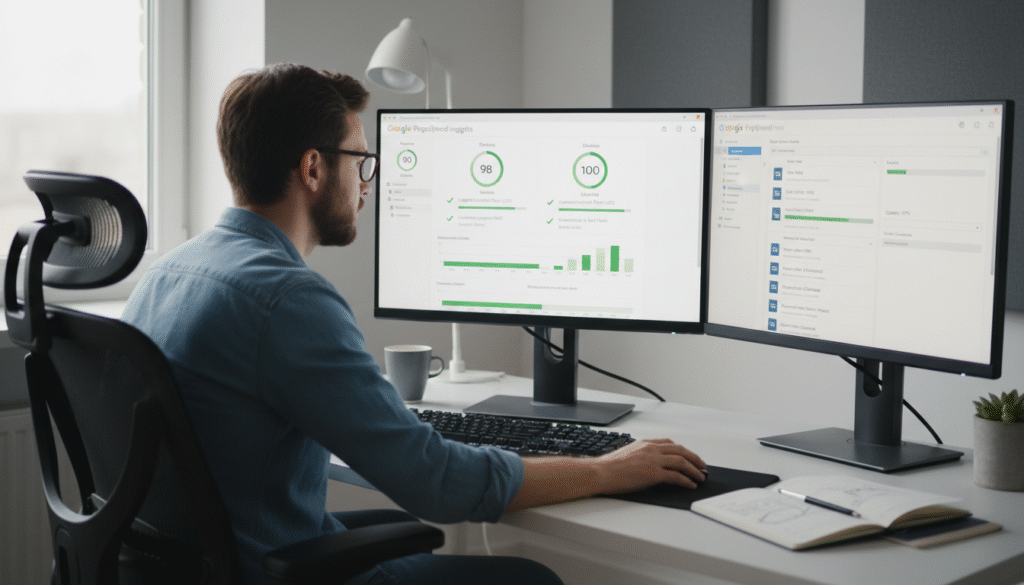
Detail-oriented freelancer tracking Core Web Vitals and optimizing images for faster WordPress site performance.
Images are often the largest contributors to slow page loads, especially for freelancers showcasing portfolios, product galleries, or client case studies. In 2026, leveraging WordPress’s native lazy loading combined with smart image compression and modern formats is essential to maintaining fast, visually rich sites without frustrating delays or disruptive layout shifts.
Since WordPress 5.5, native lazy loading automatically defers offscreen images, but plugins like ShortPixel and Smush extend this functionality by offering advanced features including WebP and AVIF conversions. These next-generation formats significantly reduce file sizes while preserving visual quality, speeding up page rendering on desktops and mobile devices alike—a critical factor for freelancers working remotely or serving clients with mobile-first audiences.
Additionally, responsive image techniques using the srcset attribute allow browsers to deliver appropriately sized images based on device resolution, minimizing bandwidth usage and loading times. Configuring lazy loading with tools like ShortPixel involves enabling WebP/AVIF conversion and lazy load features within the plugin, followed by monitoring layout stability through Google Lighthouse’s layout shift metrics to prevent unexpected visual glitches.
It’s important never to disable lazy loading for above-the-fold images, as doing so may increase Largest Contentful Paint (LCP) times—a vital Core Web Vitals metric directly tied to user experience and search ranking.
Mastering image optimization alongside caching equips freelancers with two of the most powerful tools for accelerating WordPress site speed without complex coding or costly services. These optimizations play a pivotal role across diverse industries, from healthcare sites needing rich media portfolios, to e-commerce stores displaying numerous product images—all demanding fast, smooth user experiences.
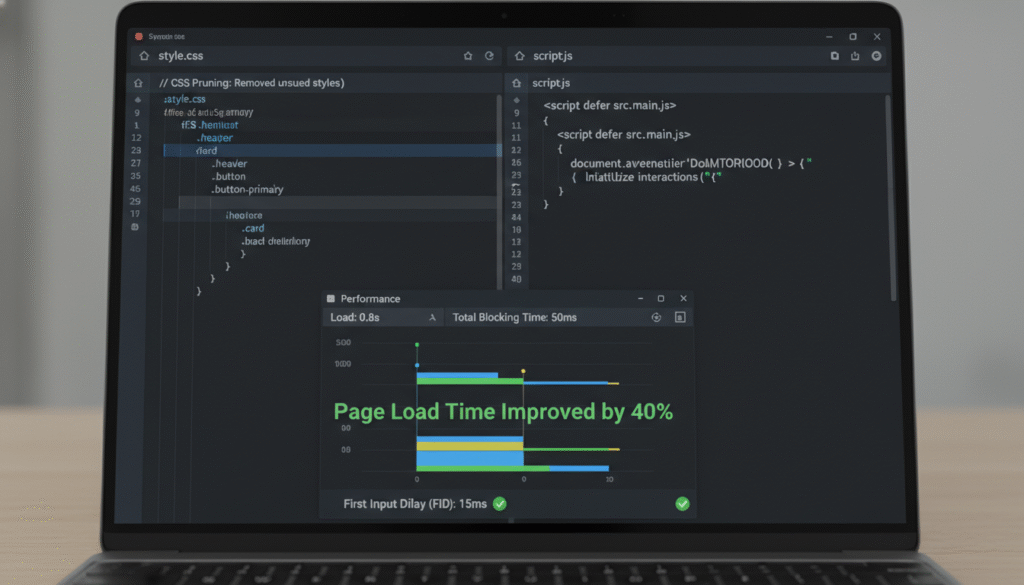
Even with caching and image optimizations, render-blocking JavaScript and bloated CSS can stealthily inflate page load times and disrupt smooth user interaction. Freelancers can make substantial performance gains by deferring non-critical JavaScript execution and pruning unused CSS, thereby streamlining the browser’s initial processing load.
Popular optimization plugins including WP Rocket and FlyingPress offer user-friendly toggles to “Load JavaScript Deferred” and generate critical CSS on the fly. This ensures that the browser prioritizes rendering above-the-fold content immediately, postponing heavier JavaScript execution until later in the page lifecycle.
Automated tools such as PurgeCSS help identify and remove unused CSS rules, cutting down stylesheet size and thereby speeding up render times. Managing web fonts carefully—with CSS’s font-display: swap property—helps avoid invisible text during font loading, enhancing perceived site responsiveness.
Simple adjustments, such as switching script tags to asynchronous loading (<script async src="..."></script>), further contribute to faster interaction readiness, as captured by metrics like Interaction to Next Paint (INP).
Adopting a staggered, methodical approach to asset optimization—testing changes carefully to avoid conflicts—allows freelancers to steadily meet or exceed Core Web Vitals targets.
By integrating these asset optimizations with caching and image management, freelancers develop a well-rounded, efficient WordPress speed optimization workflow that maximizes return on investment while minimizing technical overhead. These methods are applicable across many fields, including legal websites with heavy script-based contract tools or educational platforms with dynamic content elements.
Optimizing WordPress speed extends beyond improving raw load times; it requires a strategic focus on Core Web Vitals—Largest Contentful Paint (LCP), Cumulative Layout Shift (CLS), and Interaction to Next Paint (INP)—which represent concrete, user-centric performance benchmarks that Google uses to rank sites.
Freelancers should aim for an LCP under 2.5 seconds, achievable by combining caching, smart image techniques, and JavaScript deferral. Reducing CLS involves explicitly setting image dimensions and reserving space for dynamic page elements like advertisements or embedded widgets, thereby avoiding unexpected layout shifts that frustrate users. Improving INP centers on minimizing main thread JavaScript blocking and prioritizing responsiveness throughout user interactions.
Monitoring performance with tools such as Google PageSpeed Insights, Lighthouse, and the Web Vitals JavaScript library enables freelancers to gain actionable insights and maintain continual improvements critical for client projects.
Real-world fixes may be as simple as adding width and height attributes to all images, auditing and disabling plugins that inject excessive script payloads, or using font-display strategies for smoother text rendering. One freelance designer improved CLS by 30% solely by adding image dimension attributes and applying font-display: swap to custom fonts—resulting in better user engagement and higher client satisfaction.
Through this disciplined and measurable Core Web Vitals focus, freelancers transform abstract optimizations into tangible gains that elevate both user experience and search engine prominence—imperative for standing out in industries such as marketing, environmental nonprofits, and consumer retail websites.
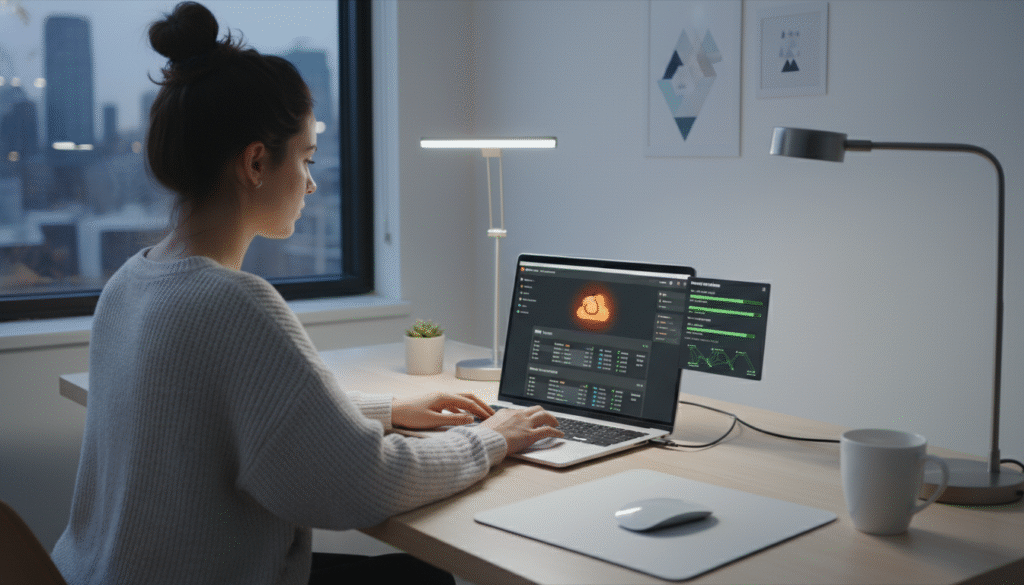
Setting up hosting and CDN solutions tailored for freelancers to boost WordPress site speed and reliability.
The foundation of a lightning-fast WordPress site starts with the right hosting and CDN strategy—an often underestimated yet vital component of global performance optimization.
Freelancers on a budget should prioritize hosting providers offering server-level caching and robust performance features. Shared LiteSpeed servers, which integrate seamlessly with LiteSpeed Cache plugins, provide excellent value and speed without demanding complex configurations. Managed WordPress hosting providers such as Kinsta, WP Engine, and SiteGround offer built-in caching layers and automatic updates, allowing freelancers to focus on development and client work instead of infrastructure maintenance.
Complementing hosting with a Content Delivery Network (CDN) like Cloudflare—which offers a generous free tier and an extensive global edge network—ensures that static assets and even dynamic content are delivered swiftly to visitors worldwide, reducing latency and speeding up load times. Activating Cloudflare’s Automatic Platform Optimization (APO) specifically designed for WordPress extends caching efficiency beyond static resources, a crucial asset for freelancers servicing clients across multiple regions.
Setting up hosting and CDN integration requires careful DNS management and cache rule configurations to prevent common pitfalls such as over-caching backend pages or triggering mixed content errors. Proper setup ensures seamless content delivery while maintaining site security and backend accessibility.
By combining smart hosting choices with reliable CDN services, freelancers benefit from a scalable, high-performance infrastructure that amplifies the impact of caching plugins and asset optimizations. This integrated approach delivers a consistently smooth user experience, whether the website serves healthcare professionals, legal consultancies, educators, or creative agencies—demonstrating broad relevance across industries.
This completes the five-pronged, freelancer-focused approach to WordPress speed optimization for 2026.
Freelancers striving to deliver fast, high-performance WordPress websites in 2026 can dramatically elevate their service quality by embracing these five practical strategies. Mastering caching plugins, implementing advanced image optimization, optimizing assets, adhering to a Core Web Vitals checklist, and selecting hosting and CDN solutions tailored to freelancer budgets and needs collectively empower superior speed and user experience outcomes.
These techniques require no deep technical expertise or costly tools but yield measurable improvements that enhance client satisfaction, increase engagement, and boost SEO rankings. By integrating this comprehensive yet straightforward framework into their workflows, freelancers position themselves to meet the growing demand for fast, reliable websites and build a competitive edge in an increasingly crowded marketplace.
Looking ahead, freelancers who proactively adopt adaptable, data-driven speed optimization practices will not only meet but anticipate client expectations amid evolving web standards and user behaviors. The challenge lies in continuously refining performance tactics to keep pace with emerging technologies, diverse industry demands, and shifting search engine algorithms. For freelancers, the future success hinges not merely on adopting these advancements—but on leveraging them strategically to deliver unparalleled value and win lasting client trust.

